
€36
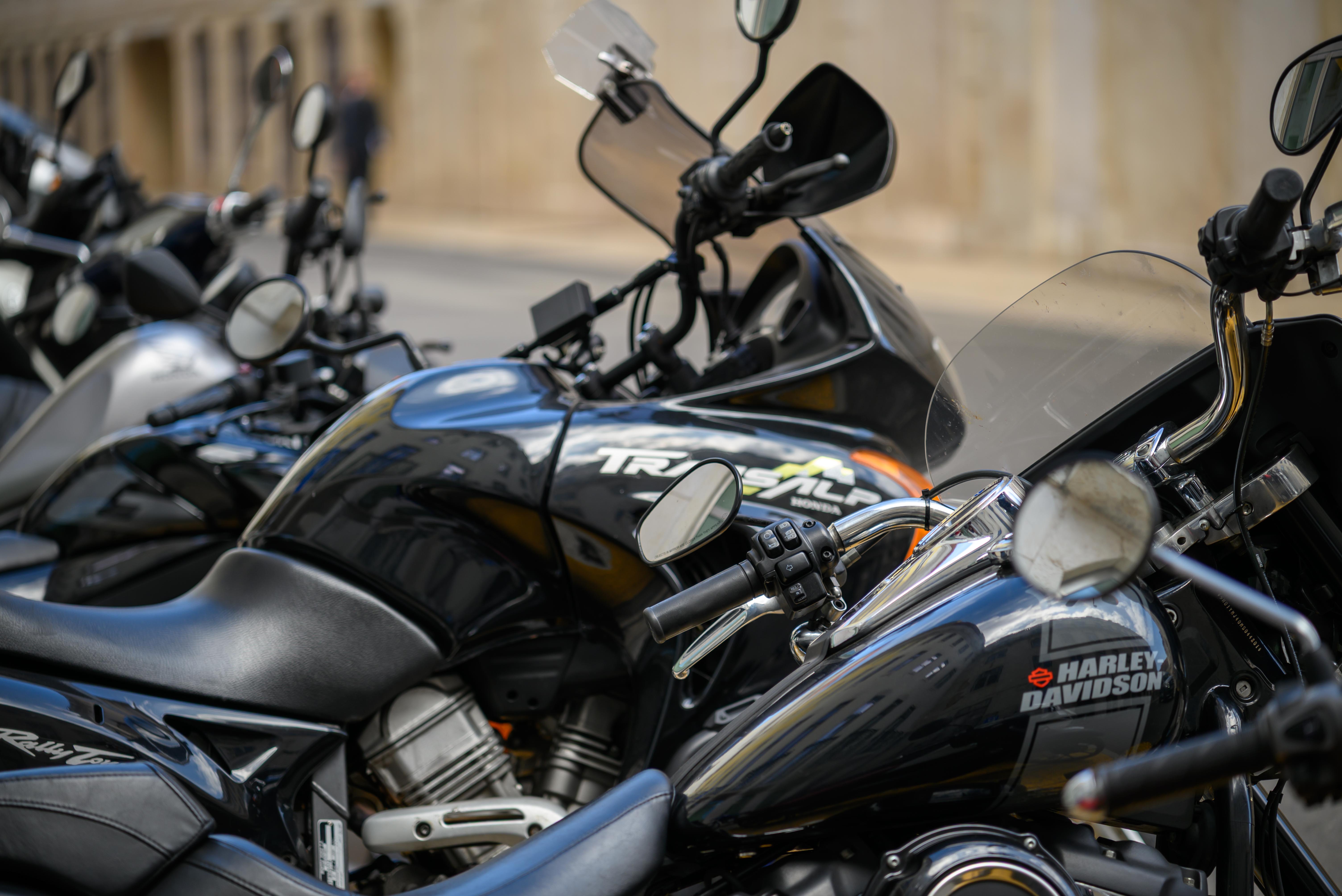
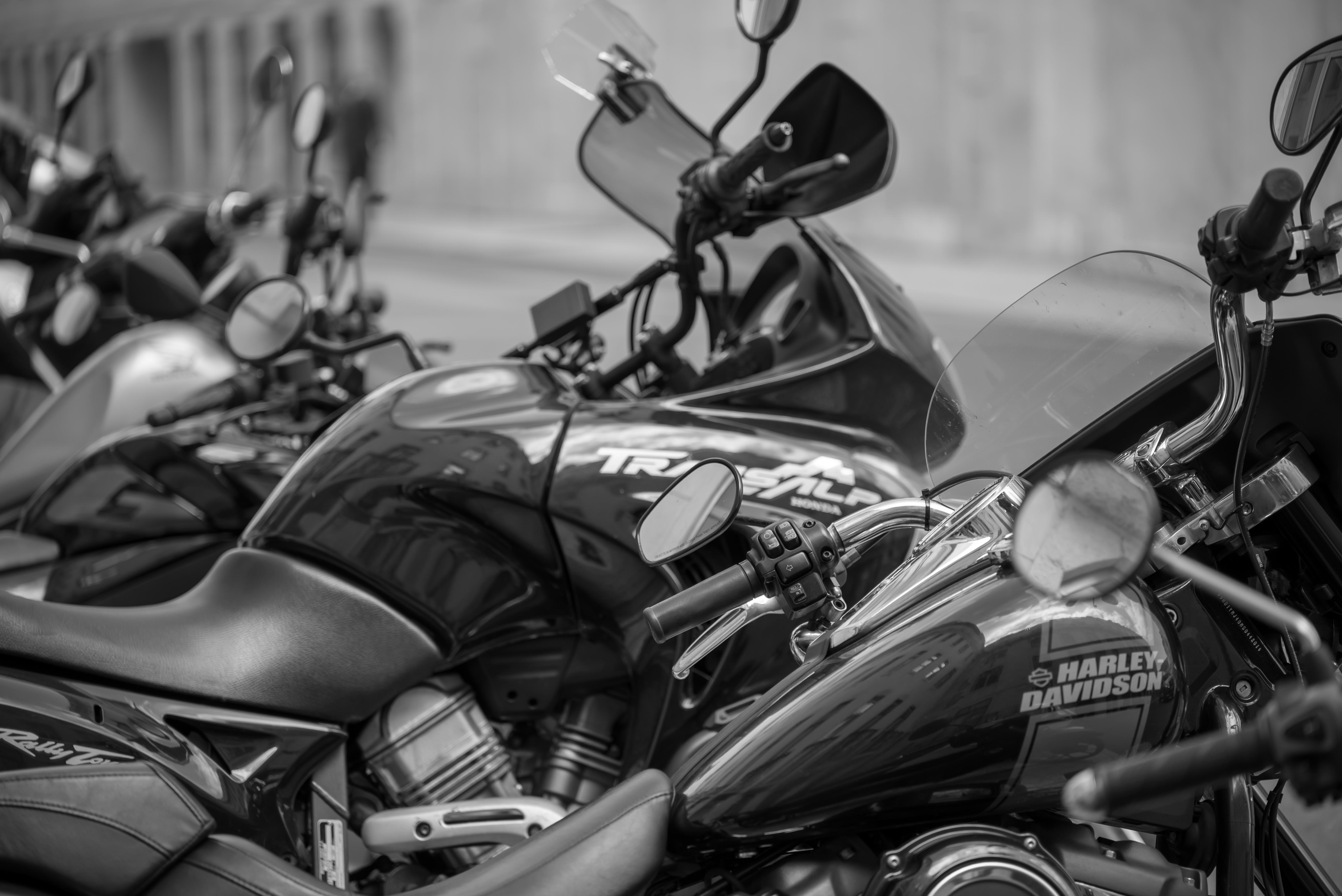
Monochromatic1 / 14
Preset Pack · Digital download
Urban B&W Pack
11 B&W presets for urban and street photography.
11 black and white presets crafted for urban and street photography.
High contrast silver-gelatin feel with fine-tuned grain. Each preset ships in two flavours: base and pushed.
Compatible with
Lightroom ClassicLightroom (Cloud)Capture One
€36
One-time · Instant download
14
presets
Secure checkout · ZIP delivered instantly
Install instructions
Follow the steps below for your application. When in doubt, a quick YouTube search will also guide you through.
Desktop — Lightroom Classic
- 1.Extract the ZIP file on your computer (not on your phone).
- 2.Open Lightroom Classic and navigate to the Develop module.
- 3.In the Presets panel, right-click and select Import Presets.
- 4.Select the extracted .lrtemplate or .xmp files and click Import.
- 5.Restart Lightroom — the presets will appear in the Presets panel.
Desktop — Lightroom (Cloud / CC)
- 1.Extract the ZIP file on your computer.
- 2.Open Lightroom CC and go to File > Import Profiles & Presets.
- 3.Select the preset files and click Import.
- 4.The presets will appear under Presets in the Edit panel.
Mobile — Lightroom CC Mobile
- 1.Install the presets on your desktop version of Lightroom CC first.
- 2.Make sure you are signed in with the same Adobe account on your phone.
- 3.The presets will automatically sync to the Lightroom CC Mobile app.
- 4.No direct import on mobile is needed — sync happens automatically.
Capture One
- 1.Extract the ZIP file.
- 2.Open Capture One and go to Styles > Import Styles.
- 3.Navigate to the extracted .costyle files and click Open.
- 4.The styles will appear in the Styles panel under User Styles.